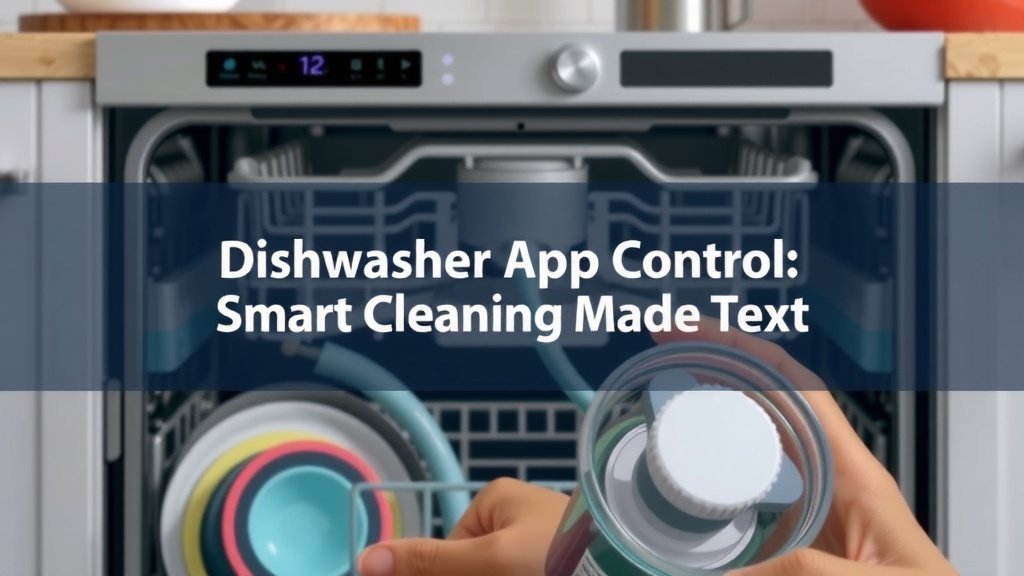
Dishwasher App Control: Smart Cleaning Made Easy
Yes, controlling your dishwasher with an app is totally possible and quite common today. You can start cycles remotely, check the status, and even get alerts when a wash is done. This technology offers convenience and flexibility for your busy life.
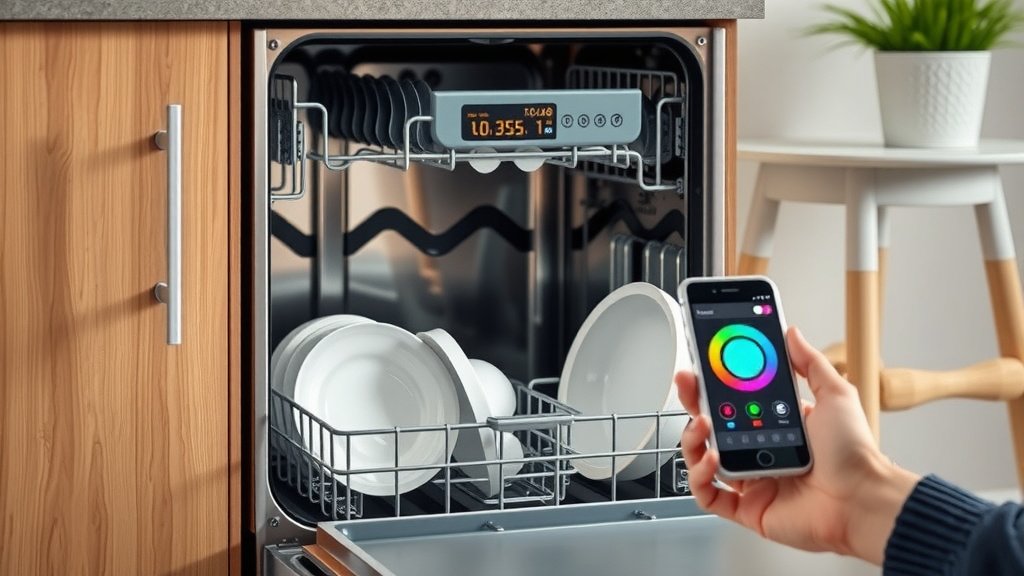
Many modern dishwashers come with smart features. These let you connect your appliance to your home Wi-Fi network. You can then use a smartphone app to interact with your dishwasher from virtually anywhere. This means no more guessing if you remembered to start it.
- Control your dishwasher from your phone.
- Start washes remotely for added convenience.
- Receive notifications when a cycle finishes.
- Check dishwasher status without being home.
- Many new models offer app control features.
Let’s walk through exactly how dishwasher app control works and what you should look for. Let’s walk through exactly how dishwasher app control works and what you should look for.
Smart Dishwasher Features: Controlling Your Kitchen Appliance from Your Phone
You might be wondering how exactly you can control your dishwasher using a smartphone app. It’s simpler than you think! Most smart dishwashers connect to your home’s Wi-Fi network. Once connected, you use a dedicated mobile app provided by the manufacturer. This app acts as your remote control for the appliance.
Think of it like controlling your smart TV or smart thermostat. You download an app, link it to your device, and then have access to its features. For your dishwasher, this means managing cycles, checking progress, and more, all from your phone or tablet.
How Dishwasher App Control Works
The magic behind app control is your home’s Wi-Fi. Your smart dishwasher has a built-in Wi-Fi module. This allows it to communicate with your router. The manufacturer’s app then connects to your dishwasher through this network. It’s like giving your dishwasher a direct line to your phone, no matter where you are.
Most setup involves downloading the app, creating an account, and following on-screen prompts. You’ll likely need to enter your Wi-Fi password. The app guides you through pairing it with your dishwasher model. This process is usually quite straightforward, similar to connecting other smart home devices.
Connecting to Your Wi-Fi Network
Your dishwasher needs a stable Wi-Fi connection to work with the app. Ensure your router is within a reasonable range. If your kitchen has a weak signal, you might experience connection issues. Some users opt for Wi-Fi extenders to boost coverage. Make sure your Wi-Fi password is easy to enter in the app. Security is important, so use a strong password for your home network.
The Manufacturer’s App: Your Command Center
Each brand has its own app. You’ll find it by searching the app store for your dishwasher’s brand name. For example, if you have a Samsung dishwasher, you’ll look for the Samsung app. These apps are designed to be user-friendly. They provide a clear interface for all the dishwasher’s smart functions.
What You Can Do with Dishwasher Apps
The capabilities vary slightly by model and brand. However, most smart dishwasher apps offer core functionalities. You can start and stop cycles, which is incredibly handy. Imagine you’re out running errands and realize you forgot to start the wash. A quick tap on your phone can get it going.
You can also monitor the cycle progress. Wondering how much longer your dishes will be clean? The app can tell you. Many apps even send notifications when the cycle is finished. This means no more opening the dishwasher door only to find it’s still wet inside.
Remote Cycle Start and Scheduling
Starting a wash remotely is a major convenience. You can schedule washes for specific times. For instance, you might want to run the dishwasher overnight to take advantage of lower electricity rates. The app allows you to set this up easily. It gives you control over your energy usage.
Status Monitoring and Alerts
Checking the dishwasher’s status is a common feature. You can see if it’s running, paused, or finished. Some apps even show you how much time is left in the current cycle. Alerts notify you when a cycle ends. You can also get reminders for maintenance, like when it’s time to clean the filter or add rinse aid. This keeps your dishwasher running efficiently.
Advanced Features and Diagnostics
Higher-end models might offer more advanced features. Some apps allow you to select specific wash cycles and options remotely. You might be able to download new wash programs. Many smart dishwashers also have diagnostic capabilities. If something goes wrong, the app can help identify the issue. It might even provide troubleshooting tips or connect you to customer support. This saves you time and hassle.
Choosing a Smart Dishwasher: What to Look For
If you’re in the market for a new dishwasher, or looking to upgrade, consider the smart features. Not all smart dishwashers are created equal. It’s important to understand what you’re getting.
Think about what features are most important to you. Do you simply want to start and stop cycles remotely? Or do you want detailed cycle customization and diagnostics? Your needs will guide your choice. We found that many users prioritize ease of use in the app.
App Compatibility and User Reviews
Before buying, check which app is required and its features. Look up reviews for the specific dishwasher’s app. Are users happy with its performance? Is it reliable? We found that a clunky or unreliable app can negate the benefits of smart technology. Read reviews about app stability and customer support experiences.
Integration with Smart Home Ecosystems
Some smart dishwashers can integrate with broader smart home systems. This means you might be able to control your dishwasher using voice commands with assistants like Alexa or Google Assistant. For example, you could say, “Hey Google, start the dishwasher.” This level of integration adds another layer of convenience. It’s a nice-to-have for tech enthusiasts.
Energy and Water Efficiency Settings
Smart features can also help you manage your home’s resources. Many smart dishwashers offer eco-friendly cycles. The app might provide data on your energy and water consumption. This can help you make more informed decisions about usage. We found that tracking usage can encourage more efficient habits. It’s a win for your wallet and the environment.
Here’s a quick checklist to help you evaluate smart dishwasher options:
- Does the app work with your smartphone’s operating system (iOS or Android)?
- Are the remote start and cycle monitoring features robust?
- Does the app offer helpful alerts and notifications?
- Are there positive user reviews for the app itself?
- Does it integrate with other smart home devices you use?
- Are there features that help monitor or optimize energy/water usage?
Understanding Wi-Fi Requirements and Security
Your smart dishwasher will require a 2.4 GHz Wi-Fi network. Most home routers support this. If you have a dual-band router (2.4 GHz and 5 GHz), ensure the 2.4 GHz band is enabled. We found that setting up the Wi-Fi connection can sometimes be the trickiest part for users.
Security is also a consideration. Manufacturers use encryption to protect your data. Always ensure your home Wi-Fi network is secured with a strong password. Keep the dishwasher’s firmware updated through the app. These updates often include security patches. Following these steps helps protect your home network.
| Feature | Basic App Control | Advanced App Control |
|---|---|---|
| Remote Start/Stop | ✓ | ✓ |
| Cycle Status Monitoring | ✓ | ✓ |
| Cycle Completion Alerts | ✓ | ✓ |
| Schedule Washing | ✓ | ✓ |
| Wash Cycle Selection | ✓ | ✓ |
| Download New Cycles | ✓ | |
| Diagnostics & Troubleshooting | ✓ | |
| Energy/Water Usage Tracking | ✓ | |
| Smart Home Integration (Voice Control) | ✓ |
The table above outlines some common features you might find. As you can see, there’s a range of capabilities. Basic control often covers the essentials. Advanced features offer more customization and data. Many experts suggest that even basic app control adds significant convenience to daily routines.
Conclusion
You now know how smart dishwashers can bring serious convenience to your kitchen routine. By connecting your appliance to your Wi-Fi, you gain remote control right from your smartphone. This lets you start washes, monitor progress, and get helpful alerts no matter where you are. When choosing a new model, consider the app’s features and user reviews. Look for integration with your existing smart home setup too. Taking a moment to compare options will ensure you find a smart dishwasher that truly fits your lifestyle and makes chores easier.
Frequently Asked Questions
Do I need a strong Wi-Fi signal in my kitchen for app control?
Yes, a stable Wi-Fi connection is essential for your smart dishwasher to communicate with the app. If your kitchen has a weak signal, you might experience connection issues. Consider using a Wi-Fi extender if you notice performance problems.
Can I control my dishwasher with my voice?
Some smart dishwashers integrate with voice assistants like Alexa or Google Assistant. This allows you to start cycles or check status using voice commands. You’ll need to check if the specific model you’re interested in supports this feature.
What happens if my Wi-Fi goes out? Can I still use my dishwasher?
Your dishwasher will still function manually even if your Wi-Fi is down. You can always operate it directly using the control panel on the appliance itself. The app features will simply be unavailable until your Wi-Fi connection is restored.
Are smart dishwashers more expensive than regular ones?
Generally, smart dishwashers tend to be a bit more expensive due to their advanced technology. However, the price difference is often comparable to other smart home appliances. We found the added convenience can be well worth the investment for many users.
How do I update the dishwasher’s app and firmware?
Firmware updates for your smart dishwasher are typically handled through the manufacturer’s mobile app. You’ll usually receive a notification within the app when an update is available. It’s important to install these updates to ensure optimal performance and security.